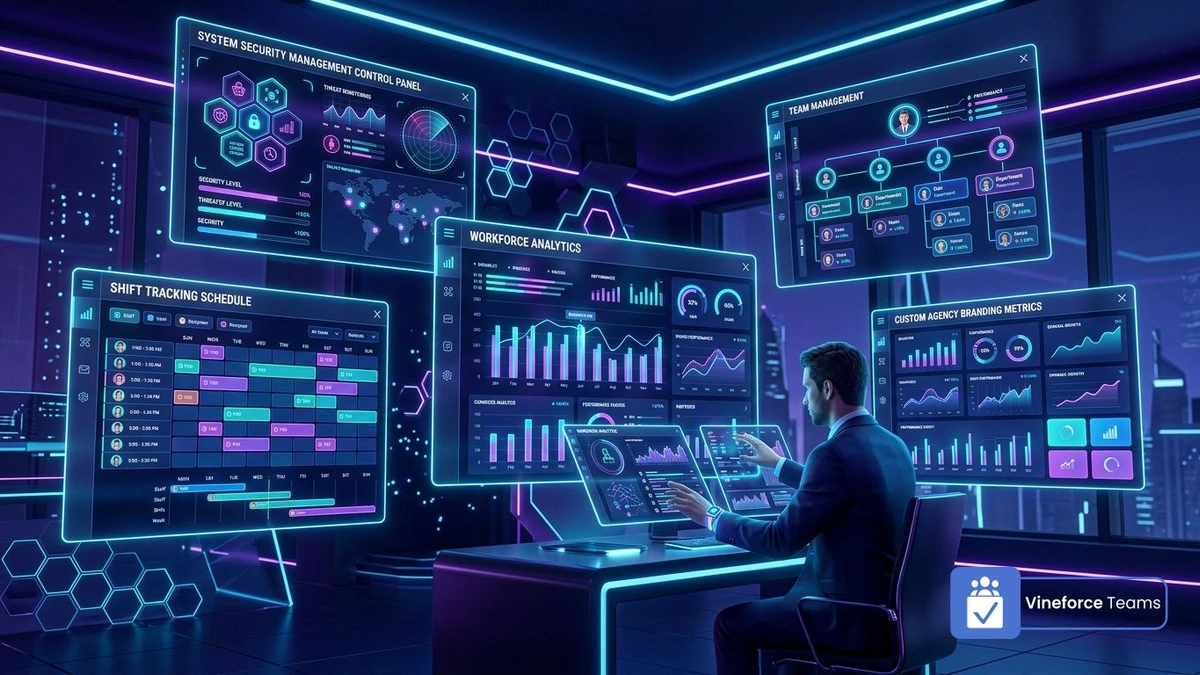
Why Modern Teams Need Vineforce Teams Productivity Platform
- Harsh Gupta
- 21 Aug, 2026
- 04 Mins read
- Development , Security , Time Management
The landscape of modern business has changed fundamentally over the last decade. With the widespread adoption of remote, hybrid, and distributed teams, employees execute complex workflows across multiple cities, time zones, and dozens of SaaS applications.
Quick Summary: A team productivity software platform is an essential tool for modern hybrid and remote organizations. Unlike manual timesheets, it combines automatic time tracking, application and website usage insights, and activity analytics to help organizations understand how work happens, resolve workflow bottlenecks, and secure digital assets. Learn more about Vineforce Teams.
The Modern Workplace Productivity Challenge
While remote and hybrid models offer unprecedented flexibility, they introduce key operational challenges. Without physical proximity, business owners and managers struggle to understand how daily work actually unfolds.
Traditional output measurement often fails due to:
- Application Fragmentation: Switching between chat, email, code repositories, and project boards dilutes focus and hides actual time allocation.
- Distraction & Alert Fatigue: Constant notifications interrupt deep focus sessions for knowledge workers.
- Manual Reporting Friction: Spreadsheet timesheets waste valuable hours and yield inaccurate, retrospective data.
- Lack of Objective Insights: Relying on assumptions leads to micromanagement or missed signs of team burnout.
- Shadow IT Security Risks: Working outside corporate networks increases exposure to unapproved software and data compliance risks.
What Is a Productivity Intelligence Platform?
Unlike basic time trackers that only log static hours (e.g., “4 hours on coding”), modern productivity intelligence provides real-time activity context during working hours.
It maps out active working hours, application and website usage, continuous task timelines, and focus ratios. This approach provides workforce analytics that reveal how work gets done, fostering operational transparency rather than rigid oversight.
Key Capabilities of Vineforce Teams
To bridge the gap between team activity and operational visibility, Vineforce Teams offers a robust suite of workforce intelligence features designed for modern company owners, administrators, and growing teams:
1. Zero-Click Mode
Eliminates manual timer management by automatically logging active work sessions when team members start their day, ensuring zero friction and seamless background operation.
2. App & URL Tracking
Categorizes application usage and visited websites into productive tools versus potential distractions, helping optimize SaaS license usage and establish focus guidelines.
3. Screenshots Monitoring
Provides optional visual context with privacy-first configurations, including customizable capture intervals and blurring options for transparent client verification.
4. Offline Time Tracking
Ensures continuous activity recording even during network outages or travel, automatically synchronizing data once internet connectivity is restored.
5. Smart Idle Detection
Detects periods of keyboard and mouse inactivity to pause tracking automatically, preventing inflated hours and maintaining clean, accurate billing metrics.
6. User Attentiveness & Analytics
Analyzes focus distribution and engagement trends, providing actionable reports that help managers identify workflow bottlenecks and prevent employee burnout.
7. System Management
Centralizes administrative controls and policy settings across corporate endpoints, giving IT directors complete authority over tracking rules, permissions, and security compliance.
8. Shift Tracking
Simplifies workforce scheduling with automated shift monitoring, overtime tracking, and multi-timezone attendance verification across distributed teams.
9. Team Management
Streamlines organizational hierarchies, group-level permissions, and project resource assignments to keep managers aligned with individual and team output.
10. Custom Branding
Enables agencies and enterprises to apply white-label branding, customized domain links, and branded client reports for a polished professional experience.
Vineforce Teams vs. Traditional Timesheets
| Traditional Timesheets | Vineforce Teams Platform |
|---|---|
| Manual Entry: Relies on memory, causing inaccuracies. | Automated Tracking: Captures active sessions automatically with Zero-Click Mode. |
| No Context: Records only raw hours without detail. | Rich Context: Maps out app usage, visited URLs, and active timelines via App & URL Tracking. |
| Retrospective: Compiled at end of week. | Real-Time Insights: Provides live timelines, Shift Tracking, and User Attentiveness metrics. |
| No Security Value: Blind to shadow software installations. | Security & System Control: Enforces endpoint policies via System Management. |
Enhancing Security and Enterprise Alignment
Beyond productivity, operational visibility plays a vital role in modern security and remote team cohesion:
- Detecting Shadow IT: Flags unauthorized cloud software installations through centralized System Management before they create data vulnerabilities.
- Auditing Sensitive Access: Verifies access times to critical portals (such as Azure consoles or databases) against standard working windows.
- Empowering Distributed Teams: Supports multi-timezone tracking and asynchronous workflows via Shift Tracking and Team Management without requiring constant status check-in meetings.
Frequently Asked Questions (FAQ)
What is team productivity software?
Team productivity software is a modern intelligence platform that combines time tracking, application usage, website analytics, and activity timelines to provide organizations with visibility into how working hours are spent and where workflows can be optimized.
How does Vineforce Teams differ from traditional time tracking?
Unlike traditional timesheets that rely on manual entry, Vineforce Teams offers automated tracking features like Zero-Click Mode and App & URL Tracking for continuous, contextual activity insights.
Can Vineforce Teams track offline work?
Yes, with Offline Time Tracking, work sessions are recorded locally during internet disconnections and synced automatically when back online.
How does Vineforce Teams protect employee privacy?
Features like Screenshots Monitoring are optional and customizable, allowing administrators to enable image blurring and set transparent tracking policies.
How can activity insights improve workplace security?
By monitoring application and website usage in real-time with System Management, administrators can detect unauthorized software installations (Shadow IT), identify compliance violations, and assist in incident investigations.
Related Resources
If you are setting up secure application infrastructure or automating deployment tasks for your SaaS platforms, explore our technical guides:
- CI/CD Pipelines: Setup Azure CI/CD Pipelines Using Visual Studio
- App Service Restarts: Restart Azure Web App Using Azure Logic App
- Security Safeguards: How Advanced Security Measures Can Safeguard Your SaaS Application
- Key Vault Configurations: Fix keyVaultReferenceIdentity in Azure App Service
Conclusion
Achieving operational efficiency in the modern hybrid workplace requires moving beyond outdated manual timesheets.
By implementing a specialized platform like Vineforce Teams, business owners and managers gain the objective data needed to streamline workflows, secure digital assets, and support remote employees ethically. Experience smarter workforce management with Vineforce Teams today.