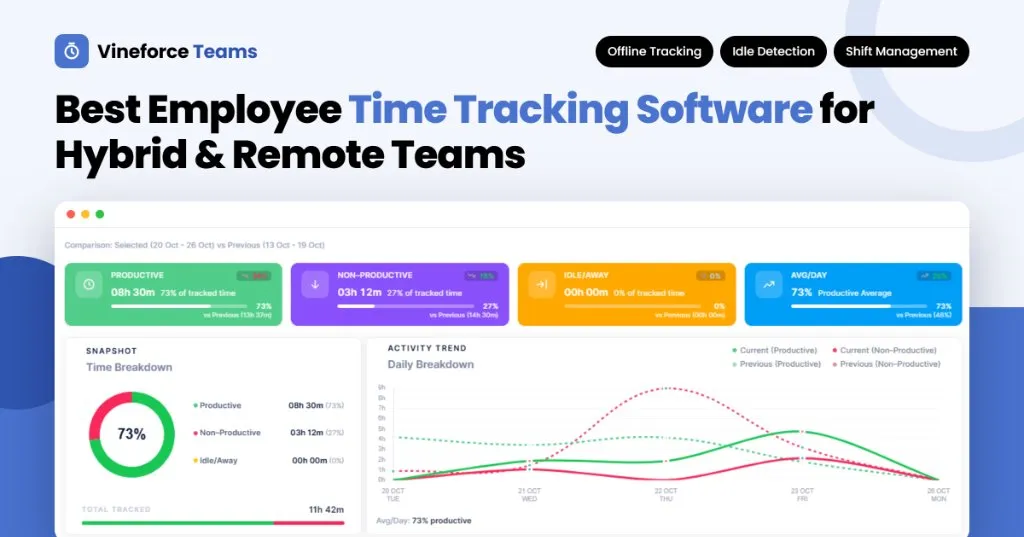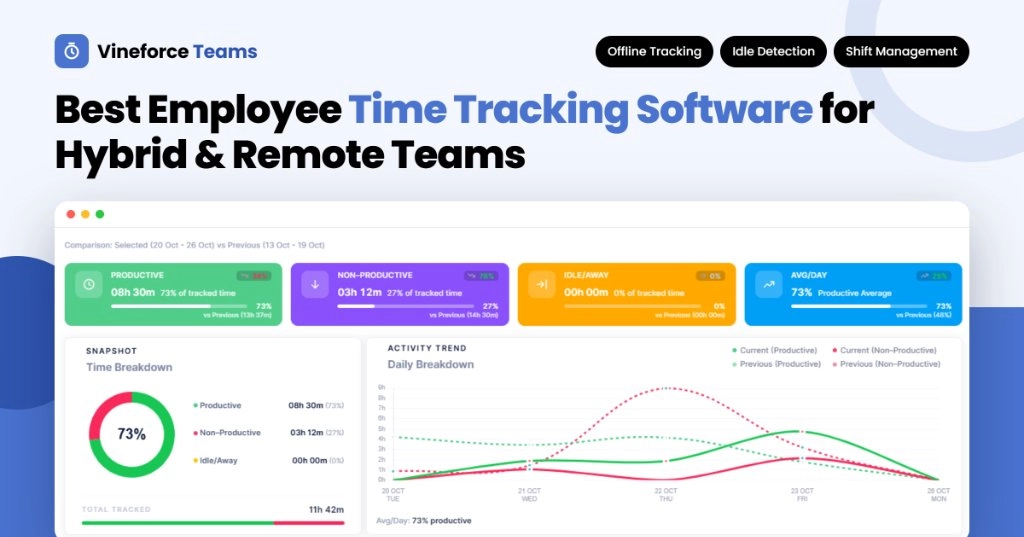
Best Employee Time Tracking Software for Hybrid and Remote Teams
- Ramesh Kumar
- 03 Nov, 2026
- 05 Mins read
- Time Management , Development , Security
Your team worked hard last week. But can you say exactly where those hours went? For many managers of hybrid and remote teams, the honest answer is “not really.”
When people work from home, the office and client sites, hours slip through the cracks. Timesheets get filled in from memory, shifts overlap across time zones, and projects quietly run over budget. The right employee time tracking software fixes this by recording work hours automatically and turning them into clear insights.
In this guide, you’ll learn what employee time tracking software does, which features matter most for distributed teams, and why Vineforce Teams is built for the way hybrid and remote teams actually work.
What Is Employee Time Tracking Software?
Employee time tracking software is a tool that automatically records how long employees work, what they work on, and how that time is spent. It replaces manual timesheets with accurate, real-time data that managers can use for payroll, project costing and planning.
Modern tools go beyond a simple clock. They track app and URL usage, detect idle time, manage shifts and attendance, and show productivity patterns across the whole team.
Why Hybrid and Remote Teams Need Employee Time Tracking
In an office, you can see who is busy and which projects are moving. In a hybrid or remote setup, that visibility disappears. Employee time tracking brings it back, without asking managers to chase people for updates.
The Problem with Manual Timesheets
Manual timesheets look simple, but they create real problems for distributed teams:
- They rely on memory: Hours logged at the end of the week are estimates, not records.
- They miss offline work: Time spent travelling or on a weak connection often goes unrecorded.
- They hide idle time: A timesheet can’t tell active work from a laptop left open.
- They complicate shifts: Matching attendance to shifts across time zones becomes a manual chore.
- They cost money: Agencies lose billable minutes that never make it onto the timesheet.
What Changes with Employee Time Recording Software
With automated employee screenshot monitoring software, hours are captured as work happens. Managers see real data instead of estimates, and employees spend less time on admin.
For example, a design agency with designers in two cities can see how much time each client project took, compare it against the original estimate, and quote the next project more accurately.
Key Features to Look for in Employee Time Tracking Software
Not every tool is built for hybrid and remote work. Before you choose, check that your employee time tracking software includes:
- Automatic background tracking so employees don’t have to start and stop timers.
- Offline time tracking that records hours without internet and syncs later.
- Idle detection to keep tracked hours honest and accurate.
- App and URL tracking to show which tools drive productive work.
- Screenshot monitoring for visibility into work progress.
- Project-based tracking with time compared against estimates.
- Shift, attendance and overtime management for distributed teams.
- Cross-platform support for Windows, macOS and Linux.
- Customisation options such as branding, visual settings and storage control.
Why Vineforce Teams Is the Best Employee Time Tracking Software for Hybrid Teams
Vineforce Teams is employee time tracking and productivity monitoring software built for businesses, agencies and distributed teams. It runs quietly in the background, records work hours, and gives managers clear insights into how their teams spend time.
Here’s how each feature solves a real problem for hybrid and remote teams:
1. Offline Time Tracking That Syncs Automatically
A dropped connection shouldn’t mean lost hours. Vineforce Teams records work hours offline and syncs the data when the connection returns.
This matters for employees who travel, work from client sites, or deal with unreliable home internet. Every hour is counted, wherever the work happens.
2. Smart Idle Detection for Accurate Hours
Vineforce Teams detects idle time automatically. Managers get a realistic view of active working hours, and employees get fair, accurate records.
No one has to police the clock. The data speaks for itself.
3. App and URL Usage Tracking
See which apps and websites your team uses during work hours. App and URL tracking helps you spot productive patterns, find distractions, and understand how work really gets done across roles.
4. Screenshot Monitoring and User Attentiveness
Screenshot monitoring gives managers visibility into work progress, which is especially useful for client work and outsourced projects. User attentiveness insights add another layer, helping you understand focus levels across the team.
5. Project-Based Time Tracking Against Estimates
Organise tracking by project and compare actual time against estimates. You’ll quickly see which projects are on track, which are drifting over budget, and what each one really costs.
6. Shift, Attendance and Overtime Management
Smart shift tracking managing people across different schedules is one of the hardest parts of hybrid work. Vineforce Teams brings shift schedules, attendance and overtime management together, so you can plan coverage and make better scheduling decisions.
7. Team, Project and Asset Management in One Place
Vineforce Teams isn’t just a stopwatch. It includes team management, project management and asset management, so you can replace several disconnected tools with one employee time management software platform.
8. Custom Branding, Visual Settings and Azure Storage
Make the platform your own with custom branding and visual settings. Plans also include options for storage limits, document expiry time and an Azure storage account, giving you more control over how your data is stored.
9. Works on Windows, macOS and Linux
Your team uses different devices. Vineforce Teams supports Windows, macOS and Linux, so everyone is tracked the same way and reports stay consistent.
How Different Teams Use Vineforce Teams
The same software employee time tracking data serves different goals depending on who uses it.
Agencies and IT Service Firms
- Track time by client project and compare it against estimates.
- Use screenshots and app tracking as proof of work for clients.
- Capture every billable hour, even when employees work offline.
HR and Operations Leads
- Manage shift schedules, attendance and overtime in one place.
- Use accurate hours to support fair, error-free payroll.
- Spot workload imbalances before they lead to burnout.
SMB Owners and Managers
- Get a clear view of team productivity without micromanaging.
- Understand where time goes across projects and teams.
- Make better planning and hiring decisions with real data.
How to Roll Out an Employee Time Tracking App Without Losing Trust
An employee time tracking app works best when your team understands and trusts it. Follow these steps for a smooth rollout:
- Explain the why: Share that tracking supports fair records, balanced workloads and accurate billing.
- Be transparent: Tell employees what is tracked (hours, apps, URLs, screenshots) and who can see it.
- Start with one team: Pilot with a single team, gather feedback, then expand.
- Use data to help, not punish: Use insights to remove blockers and recognise great work.
- Review reports weekly: Check project hours against estimates to catch problems early.
- Follow local laws: Make sure your monitoring practices meet the privacy rules where your team works.
Frequently Asked Questions
What is the best employee time tracking software for remote teams?
The best employee time tracking software for remote teams tracks hours automatically, works offline, detects idle time and manages shifts. Vineforce Teams offers all of these on Windows, macOS and Linux.
Does Vineforce Teams work without an internet connection?
Yes. Vineforce Teams records work hours offline and syncs the data when the connection returns.
Can I track time against specific projects?
Yes. You can organise tracking by project and compare actual time against estimates.
Does Vineforce Teams manage shifts and attendance?
Yes. It includes shift schedules, attendance tracking and overtime management.
Can I customize Vineforce Teams with my company’s branding?
Yes. Vineforce Teams include custom branding and visual settings.
Start Tracking Smarter with Vineforce Teams
Hybrid and remote work doesn’t have to mean guessing where time goes. The right employee time tracking software records hours automatically, works offline, detects idle time, and brings shifts, attendance, projects and assets into one place.
Vineforce Teams gives agencies, HR teams and growing businesses clear, accurate data to plan better, bill correctly and support their people, on Windows, macOS and Linux.
Ready to see where your team’s time really goes?